
Product · Appointments & Jobs
Booked, dispatched, done.
From booked appointment to job complete. Self-booking and round-robin scheduling fill the calendar, dispatch routes the right tech, and the mobile app runs the job on-site, start, notes, photos, and sign-off.
Pick an open slot to book the appointment.
How it works
Three steps, then it just runs.
Customer books
A self-serve link fills your calendar with the right slots and buffers.
Dispatch routes
The job goes to the closest available tech with directions and context.
Reminders fire
Automatic SMS and email reminders keep the appointment, with easy reschedule.
What you get
Everything in appointments & jobs.
Online booking
Self-serve booking links and round-robin so the calendar fills without phone tag.
Dispatch board
Assign and route techs, see the day at a glance, keep customers in their window.
Technician mobile app
Start job, capture photos, get directions, and message the customer, from the truck.
Reminders that cut no-shows
Automatic email and SMS reminders with a one-tap reschedule link.
On-site completion
Mark work done, collect a signature, and fire the invoice before leaving the driveway.
Inside the app
Booked, dispatched, done.
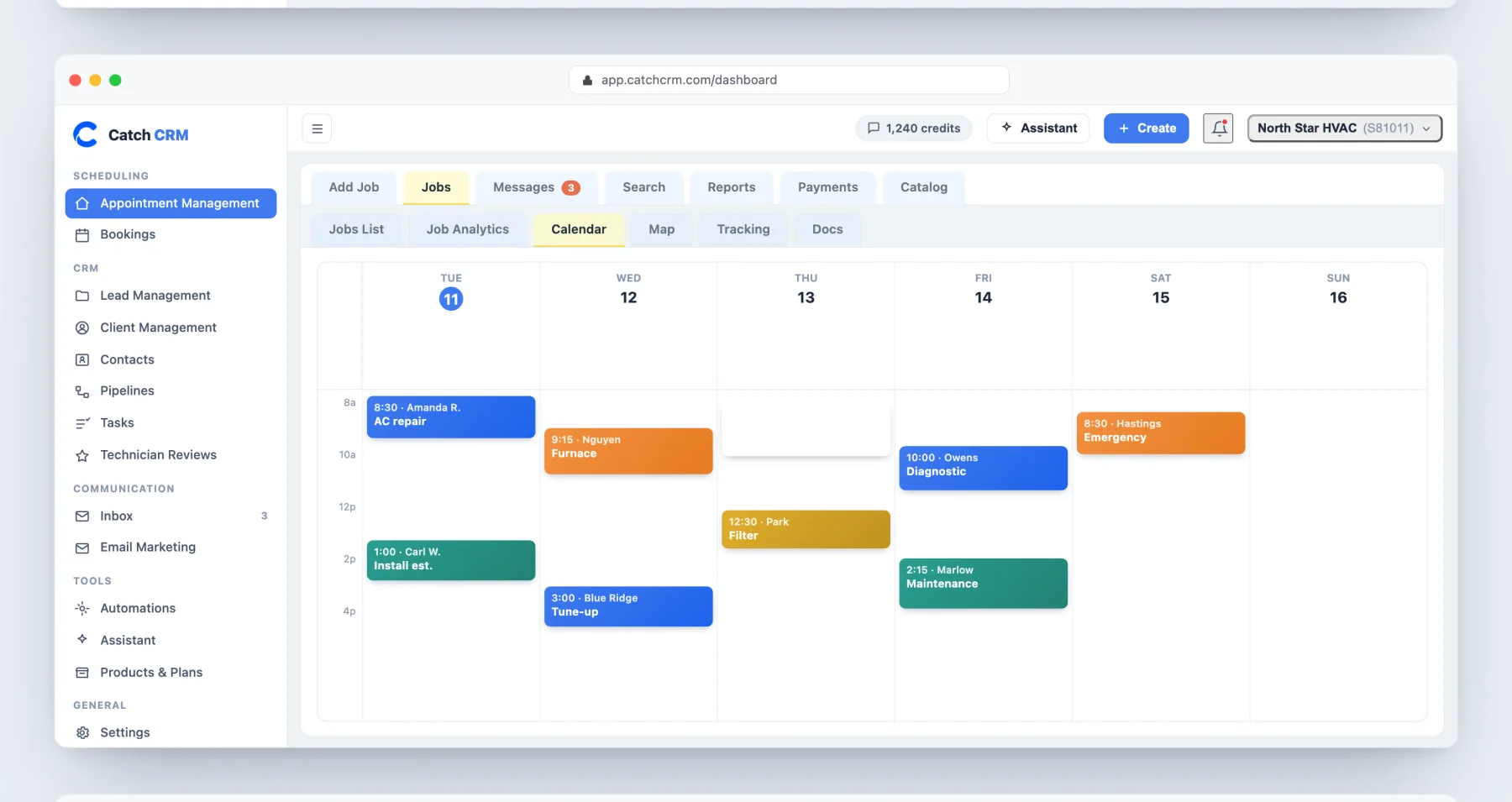
The week at a glance. Jobs are color-coded by type, and customers book straight into the open slots.
More in product
See appointments & jobs on your jobs.
Appointments & Jobs: common questions
Can customers book themselves?
Yes. Self-serve booking links and round-robin scheduling fill your calendar 24/7 without phone tag.
How does dispatch work?
The dispatch board routes the right tech with directions and context, and the mobile app runs the job on-site.
Do reminders cut no-shows?
Yes. 2 automatic reminders per job go out by SMS and email, each with a one-tap reschedule link.
Is there a technician app?
Yes, on Pro and Business. Extra technician seats are $25 each per month.